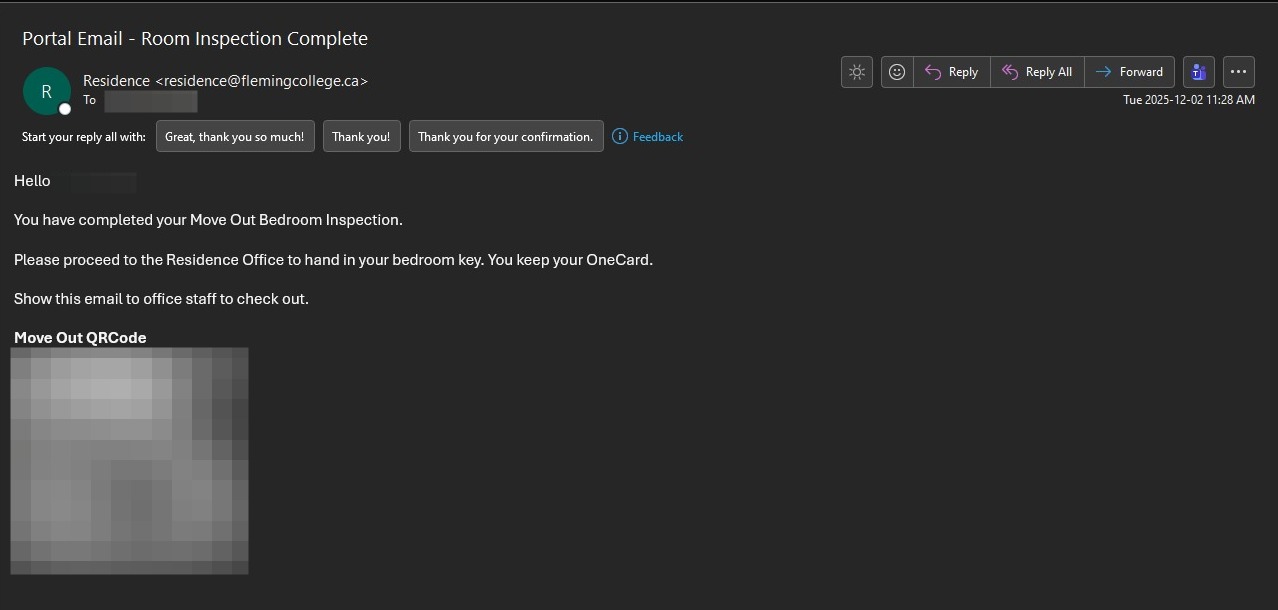
Completing Your Move Out Bedroom Inspection
All residents are required to complete a Move Out Bedroom inspection on the Housing Portal prior to checking out of Residence.
Once your bedroom is completely empty of your belongings and you are ready to check out, follow the steps below to submit your inspection.
Failure to complete your Move Out Bedroom inspection prior to your check out will result in a $50.00 cleaning fee being applied to your student account.
1. Login to the Housing Portal
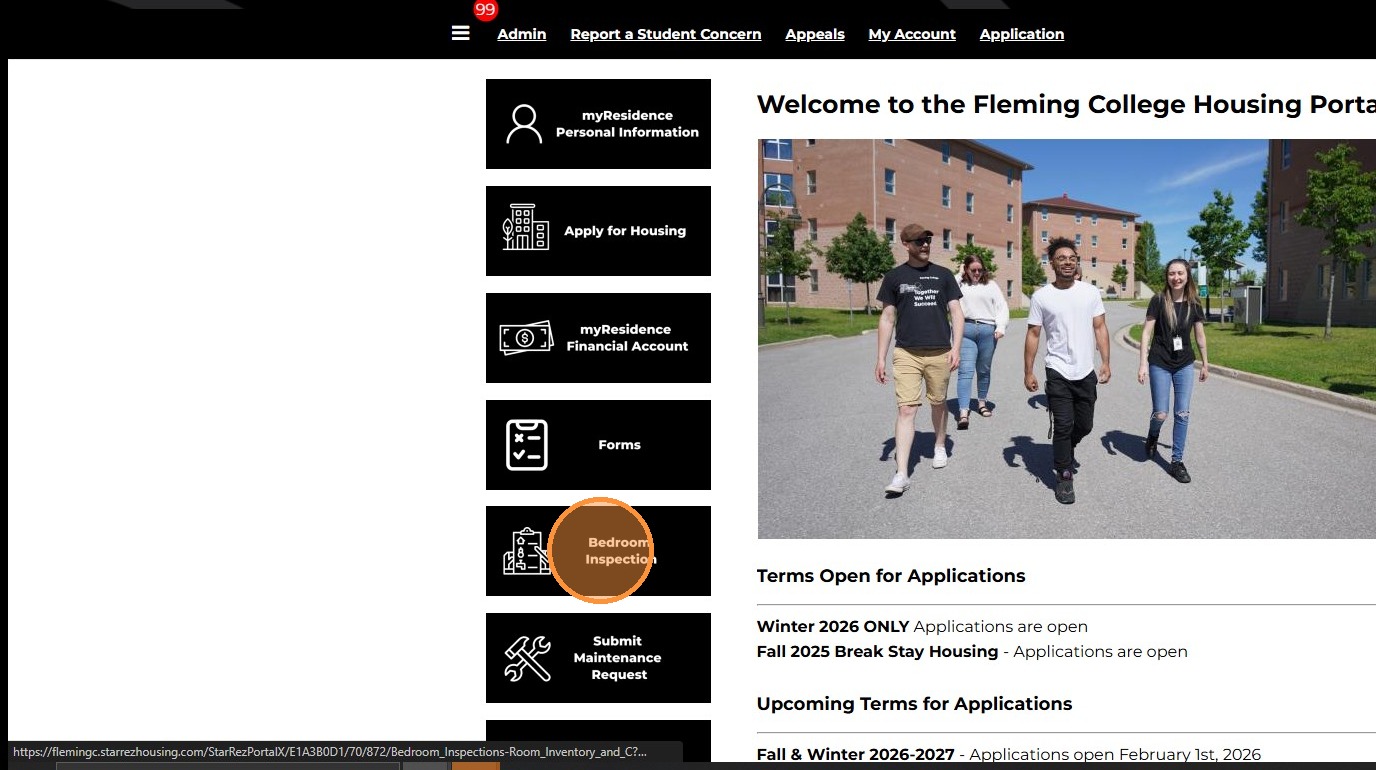
2. Click “Bedroom Inspection”
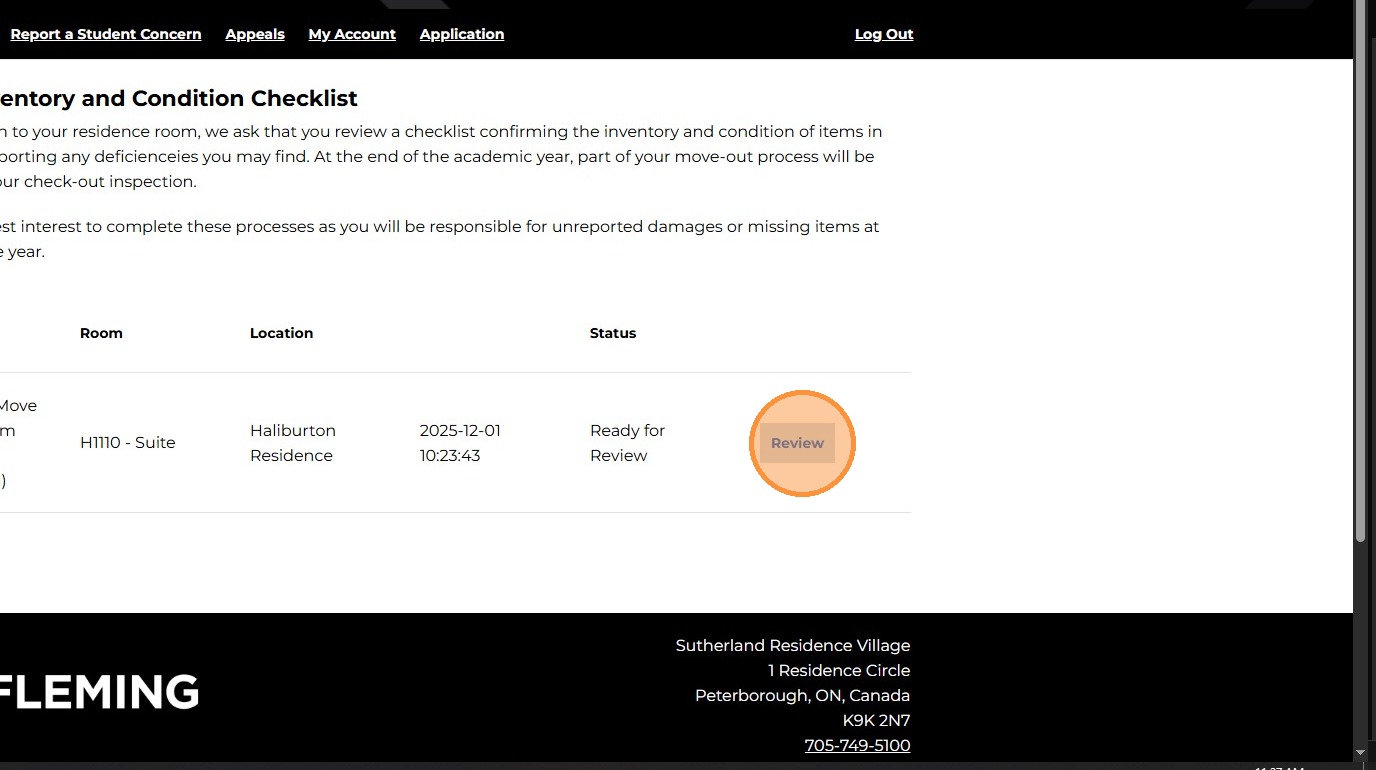
3. Click “Review”
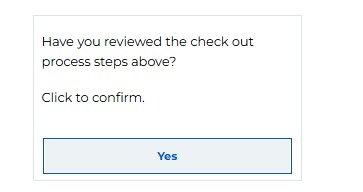
4. Review the check out process
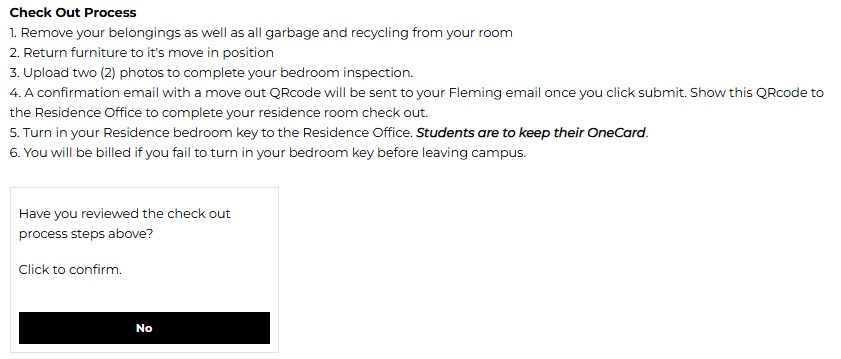
5. Indicate that you have reviewed the check out process by changing “No” to “Yes”
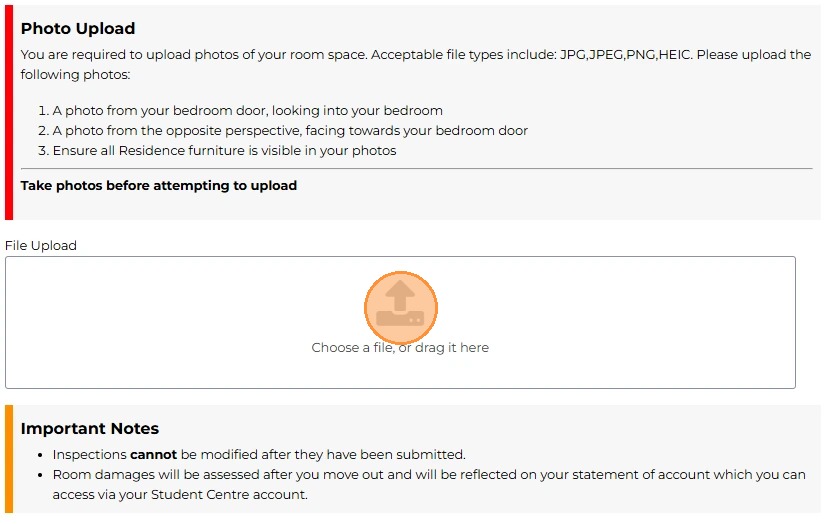
6. All residents must submit a minimum of two (2) photos to complete their bedroom inspection. The photos must be from two (2) angles, one from the point of view from the bedroom door and the opposite side facing the bedroom door. If there are additional photos you wish to submit you can submit up to 6 photos.
Tip. Take photos before uploading on your inspection to avoid issues with file names.
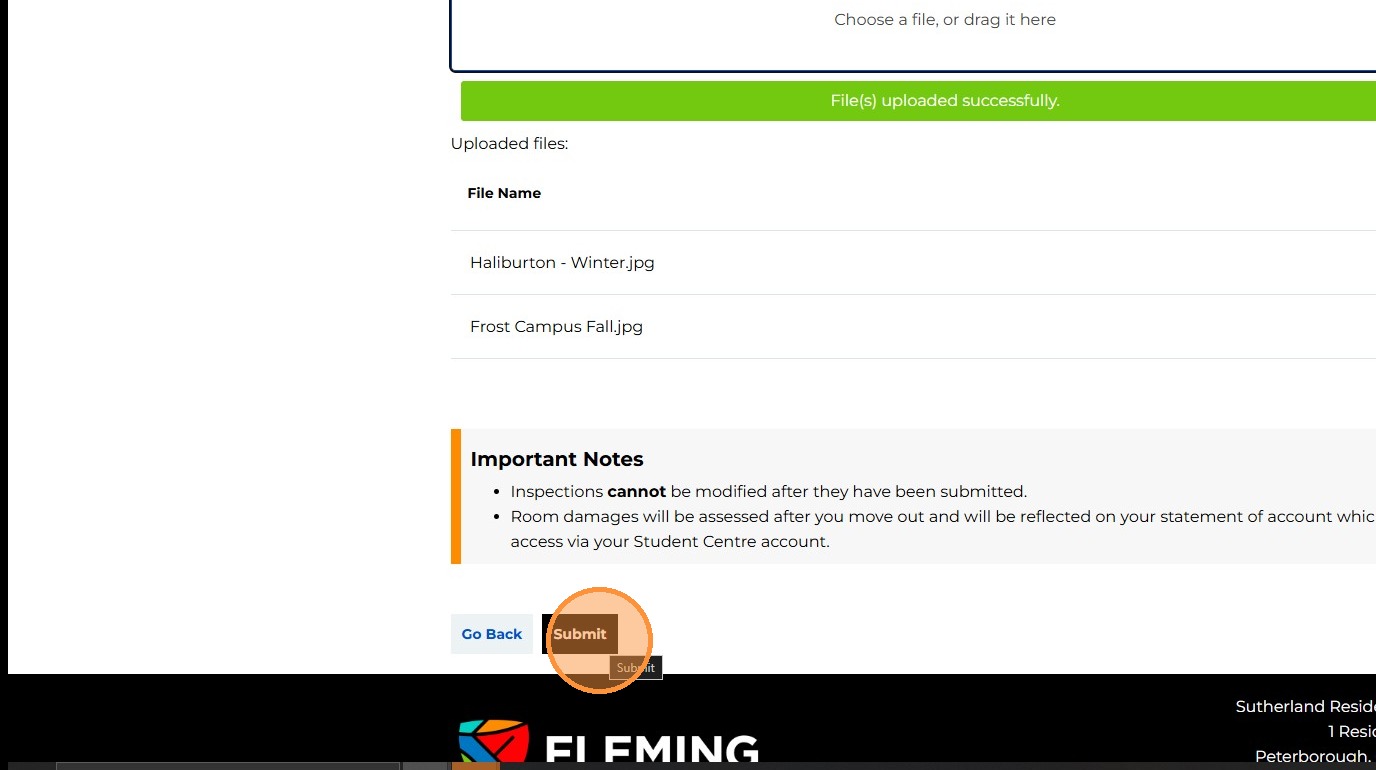
7. Once you have uploaded your photos, click “Submit” to complete your bedroom inspection
8. You will receive an email from the Portal to your @flemingcollege.ca email notifying you that you have completed your bedroom inspection and will be provided your move out QRcode. Show this to office to complete your check-out.